A player cannot sign in
The usual reasons a sign-in is refused — and the fix for each.
Problems & fixes
“Wrong username or password”
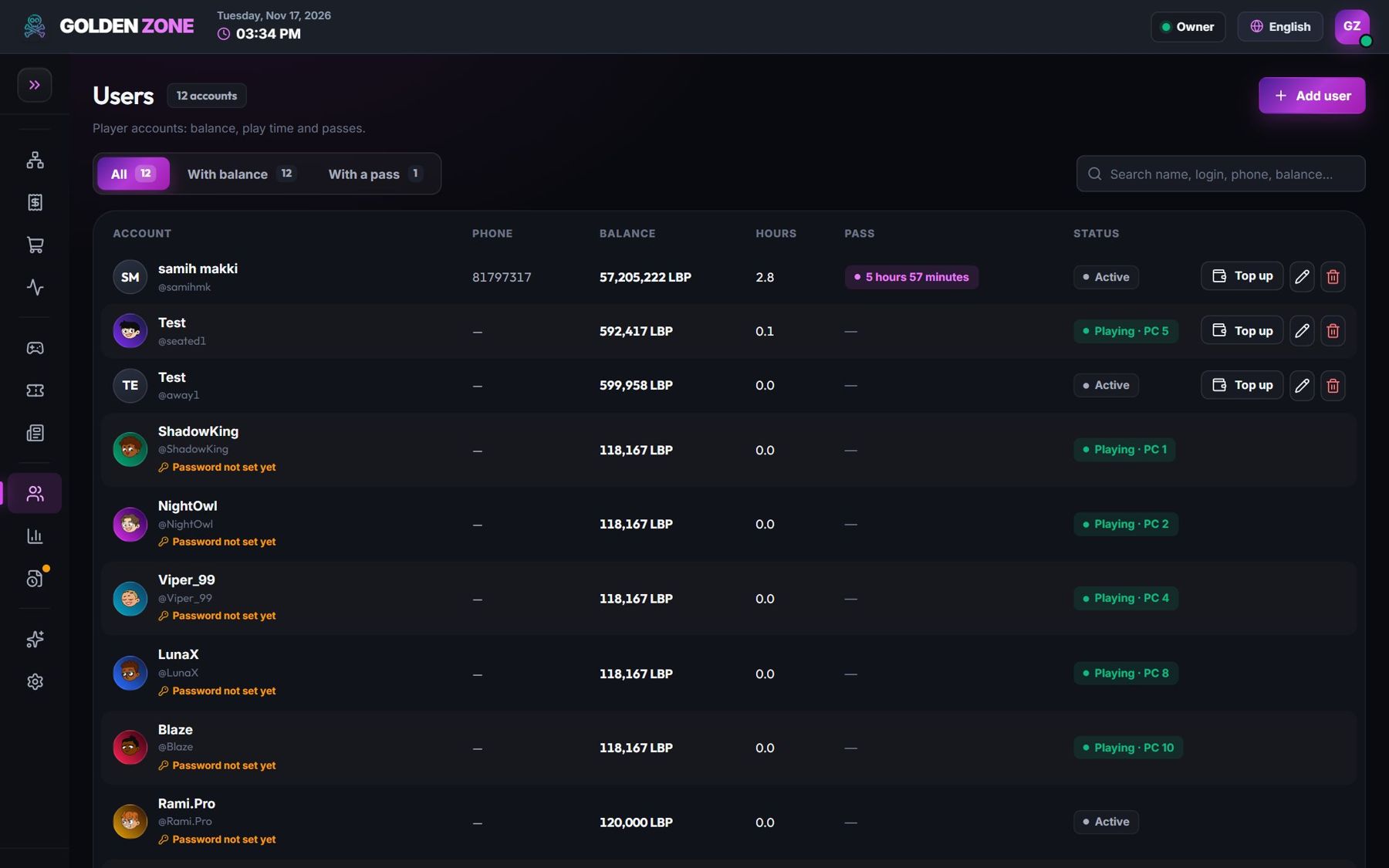
Usernames and passwords are case-sensitive: “Ali” and “ali” are different. Check the account in Users and set a new password if needed.
“This account is already signed in on another PC”
One account plays on one PC at a time. End the session on the other PC from the map.
No time or balance
Top up the account (Cash register → Refill) or sell a pass.
The PC is reserved
A reservation keeps the PC for its guest shortly before its time. Use another PC or cancel the reservation.
A client update is running on the PC
Wait until the update ends (a few minutes); the sign-in works again by itself.
The subscription ended
New sessions are paused until the subscription is renewed. See “Subscription, grace days and locked features”.